1) Log in to your GoodSync account.
2) Navigate to "Storage" tab, select 10 GB, and click the 'Request Storage' button. Storage will be automatically approved and available for usage.
You will not be charged for the 10GB of GoodSync Storage as long as your paid GoodSync account subscription remains active.
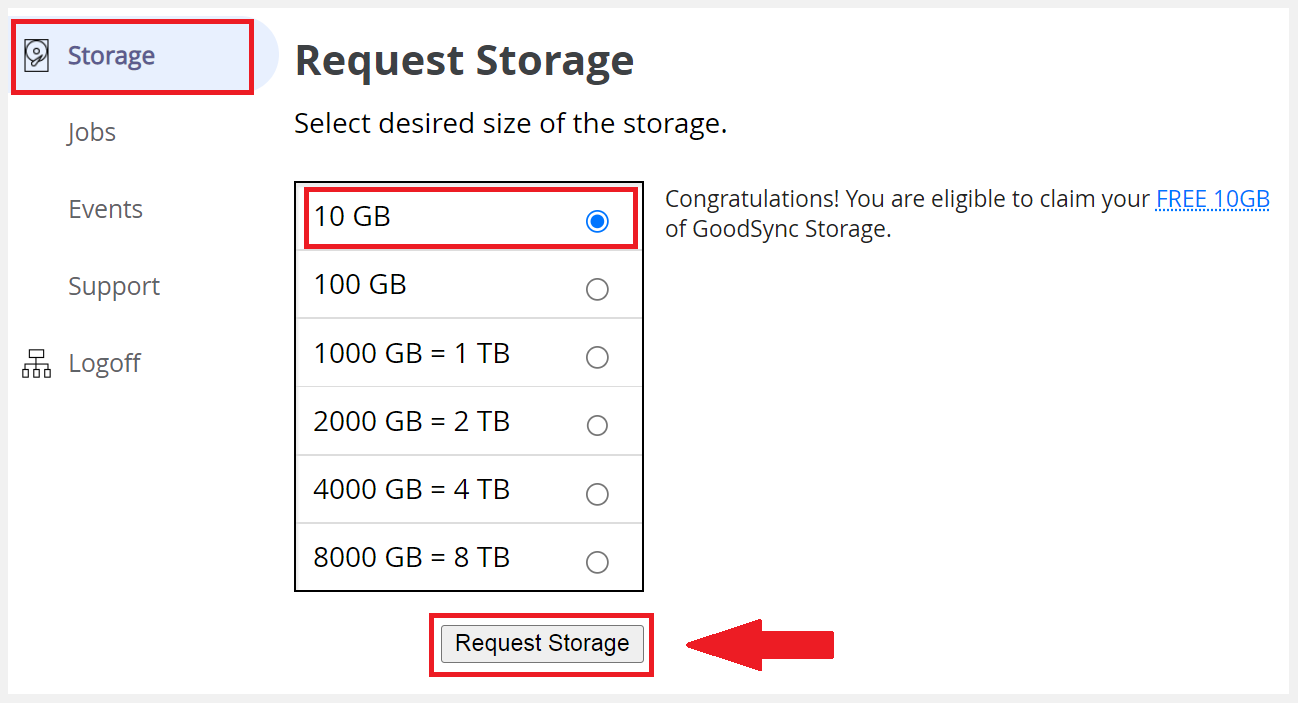
If you don't see the eligibility banner shown in the image above, contact support.