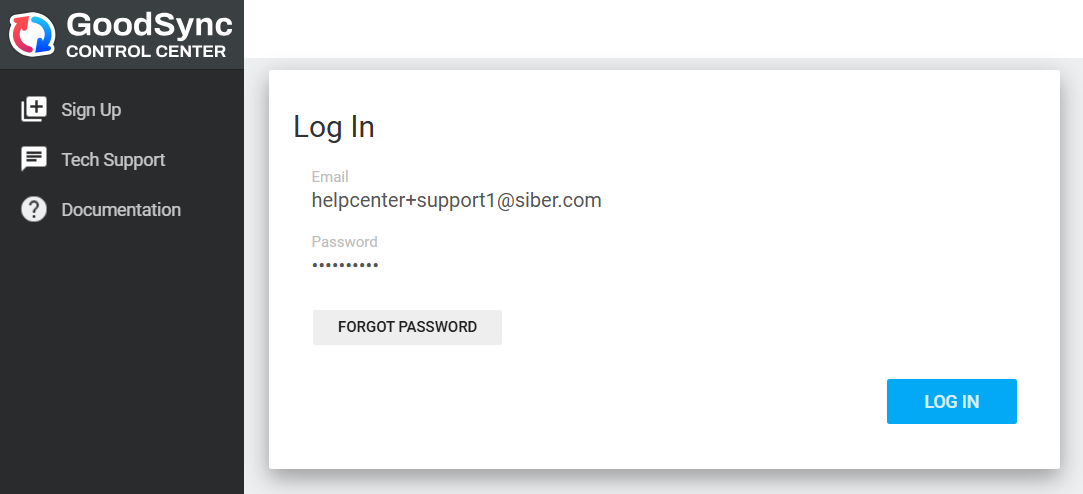
Access to the Control Center is through administrator accounts.
When the company account is created, the first (primary) administrator is created with it. You can add more administrators from the Administrators tab.
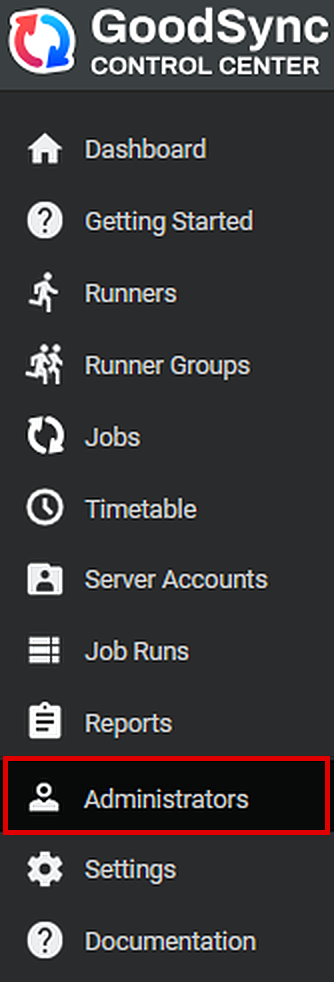
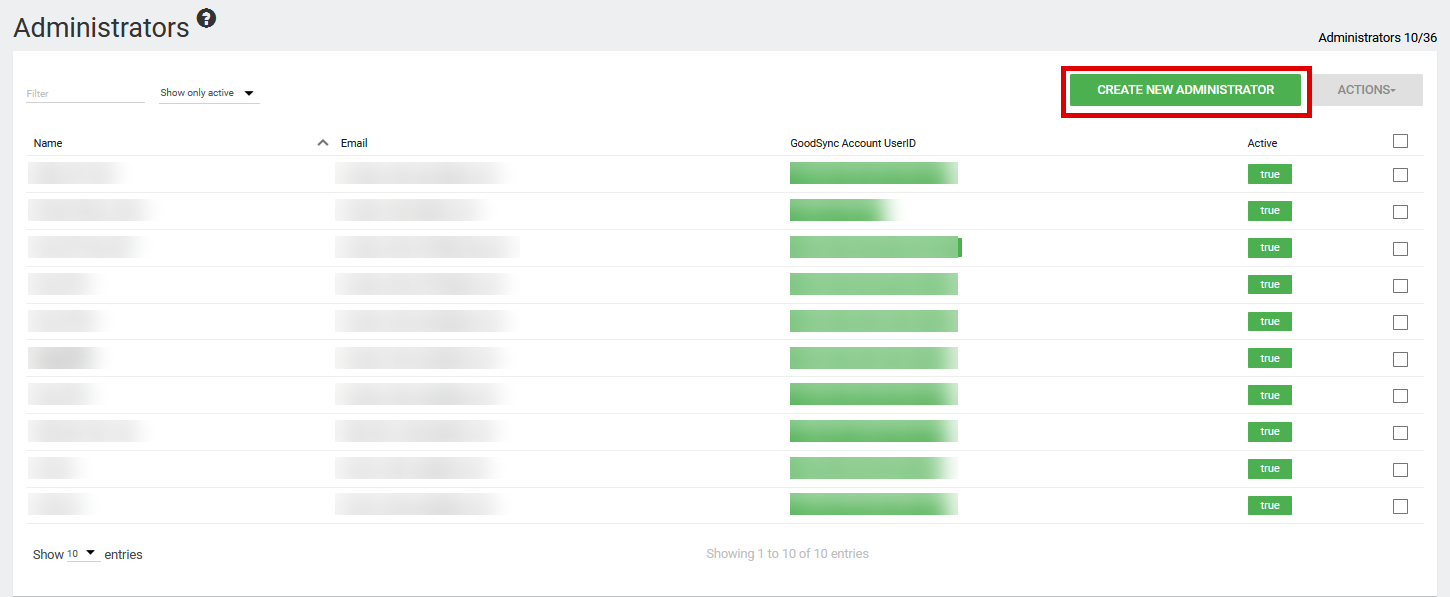
Click CREATE NEW ADMINISTRATOR.
Choose whether to add the administrator with a New GoodSync Account or an Existing GoodSync Account:
- New GoodSync Account: Choose this if the administrator does not have a GoodSync account yet. An account is created for them automatically, and they can use it to sign in to both the Control Center and their GoodSync Account.
- Existing GoodSync Account: Choose this if the administrator already has a GoodSync Account that isn't linked to another Control Center account.
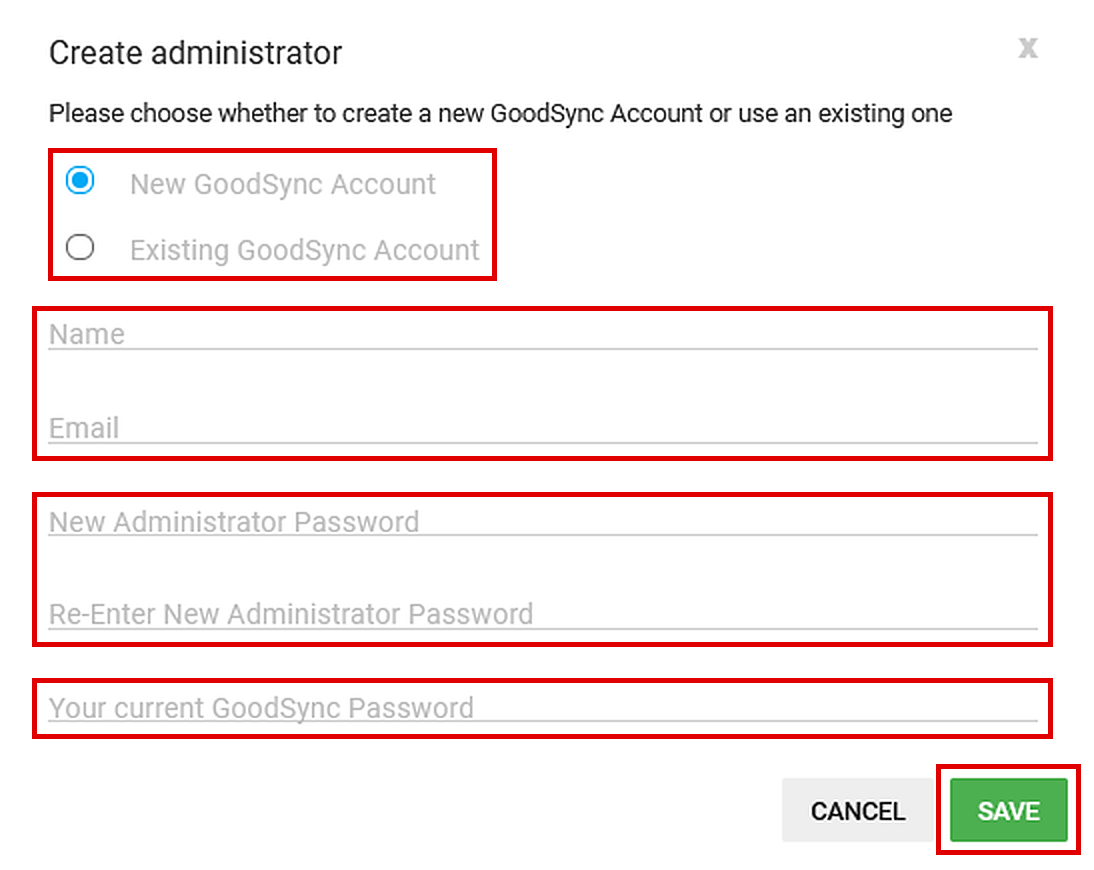
This adds another administrator account to the company, giving that user access to the Control Center.
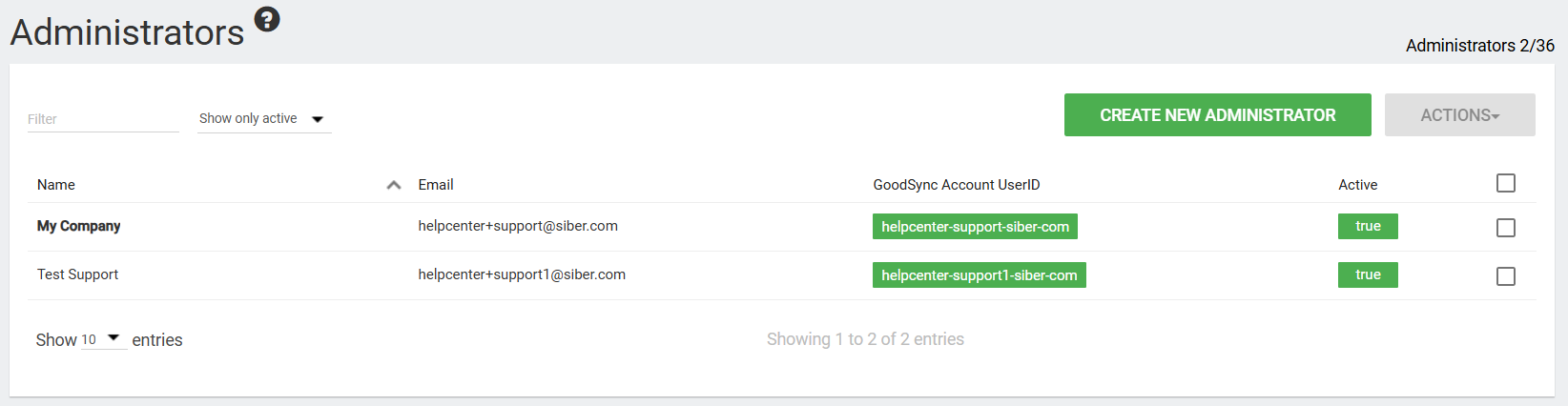
The new administrator can now sign in to the Control Center with the temporary password you set when you added them. To change it, they can use the Forgot Password link on the main login page or follow How to reset my GoodSync Account password.