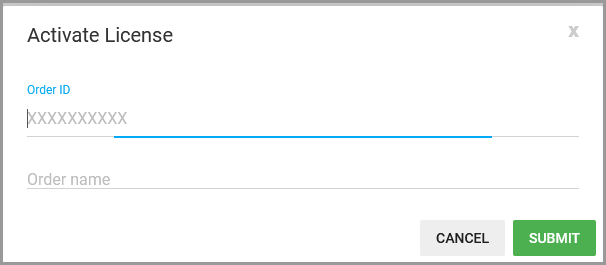
GoodSync Control Center licenses can be purchased directly from the Control Center dashboard during your free trial or from the GoodSync website. After completing your purchase, the licenses must be activated for your Control Center company.
Use the links below to navigate to the appropriate section:
Purchase from Control Center
During the free trial, the "PURCHASE" option appears in the header at the top of the Control Center dashboard.

Click "PURCHASE" to open the Control Center license purchase page. Select the number of workstation and server licenses your company requires, and then complete the purchase.
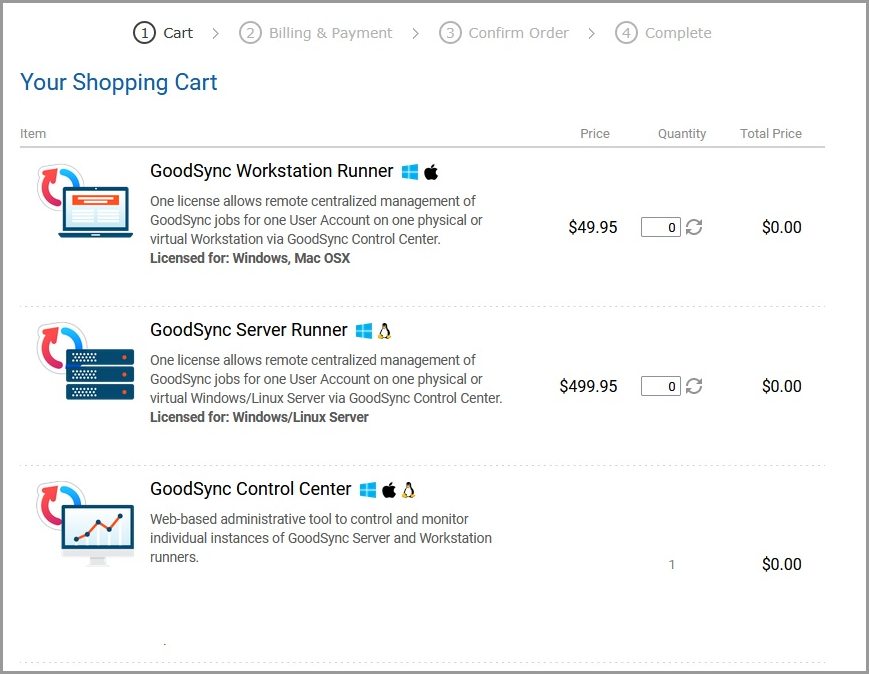
Purchase from the GoodSync website
Control Center licenses may also be purchased from the GoodSync Control Center website.
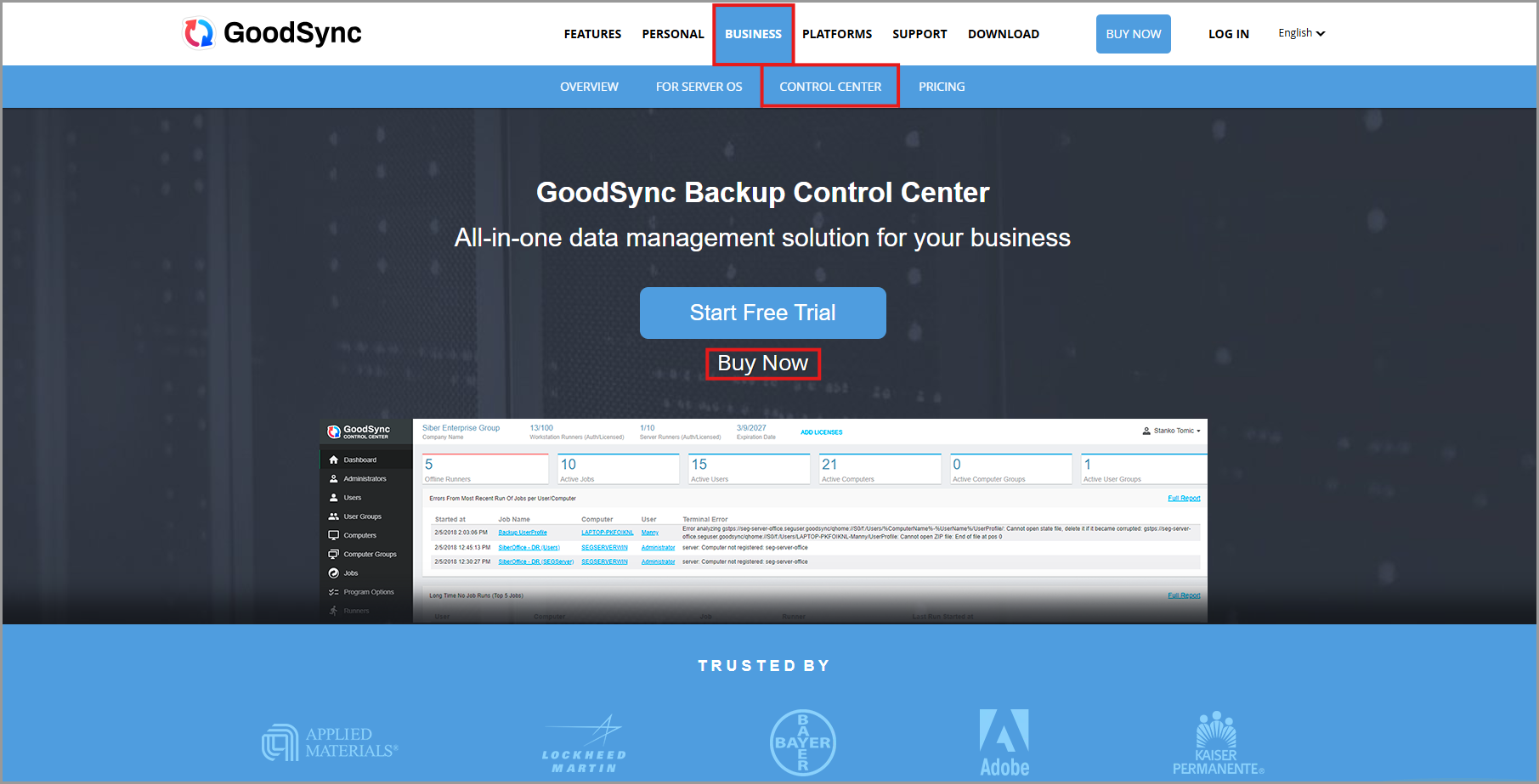
Click "Buy Now" to open the Control Center license purchase page. Select the required number of licenses and complete the purchase.
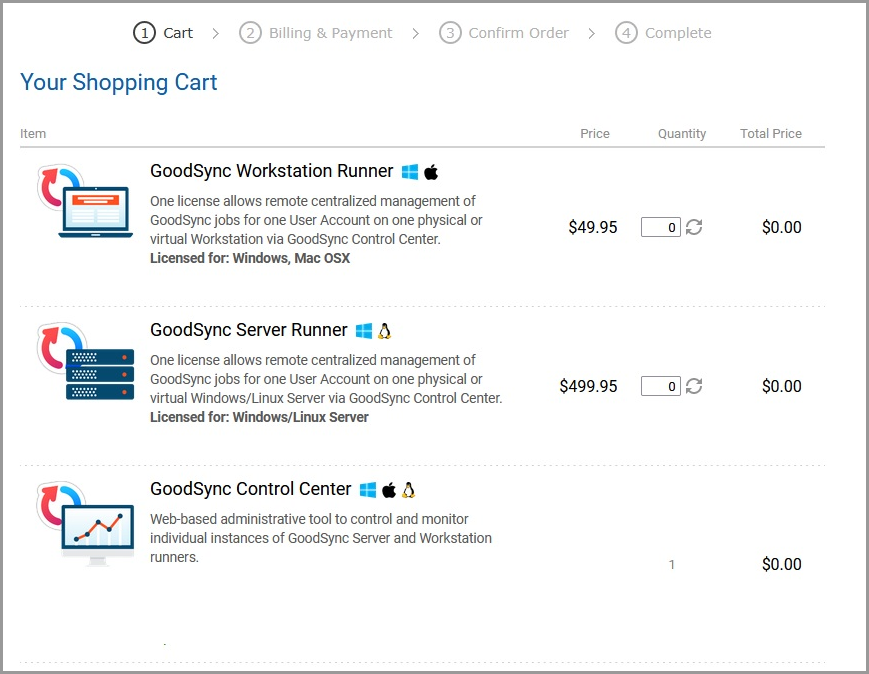
Activate your licenses
After purchasing the licenses, sign in to your Control Center company and open the Settings tab.
Click "ACTIVATE LICENSE."
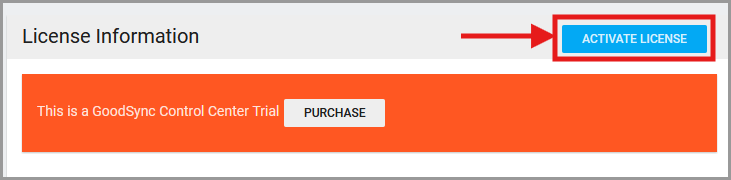
Enter the Order ID and Order Name associated with your license purchase in the appropriate fields to activate the licenses for your company.