NOTE: This action is irreversible. Deleting your Account will permanently remove all data and storage associated with it.
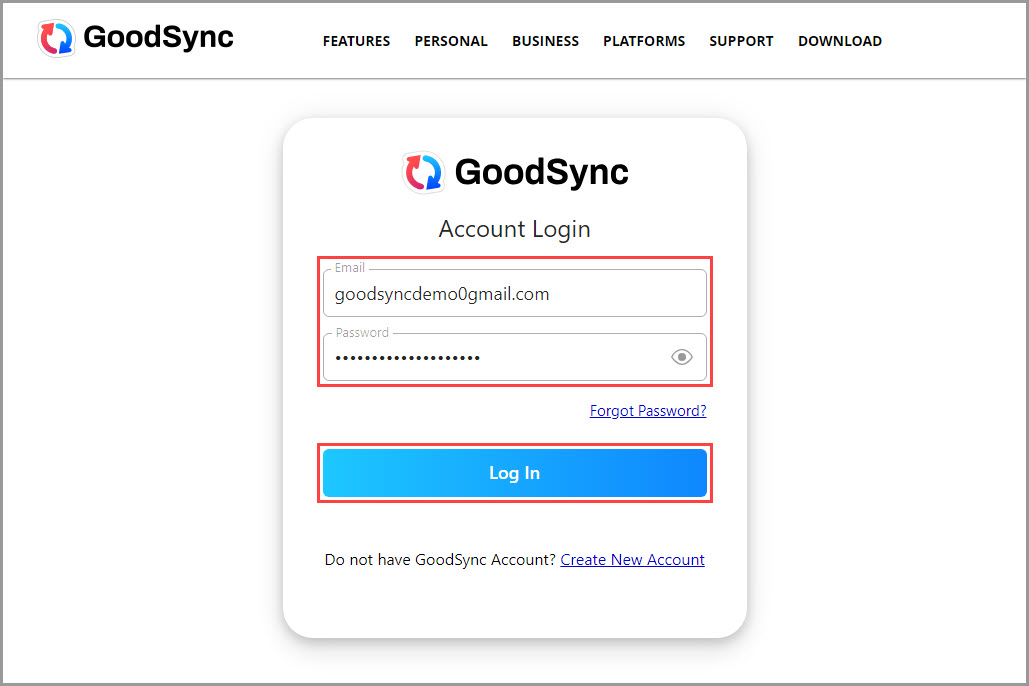
1) Go to the GoodSync Account Login page and log in to your GoodSync Account.
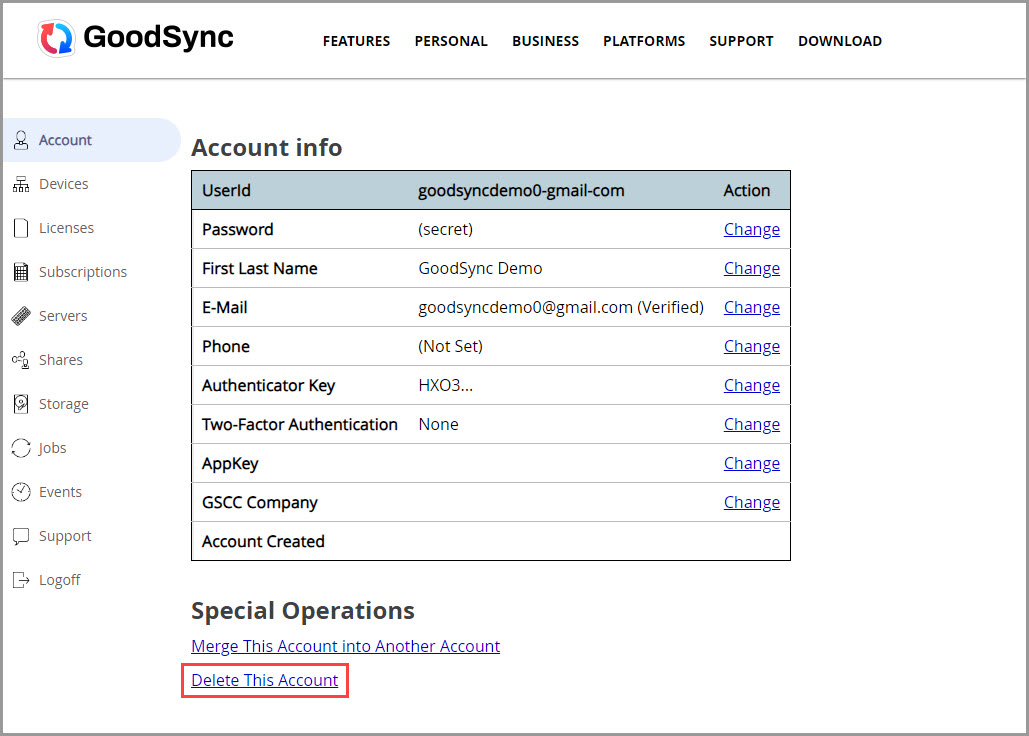
2) Scroll to the bottom of the page and click the "Delete This Account" link.
NOTE: If you have an active GoodSync Storage subscription, you must first delete your storage on the "Storage" page of your Account.
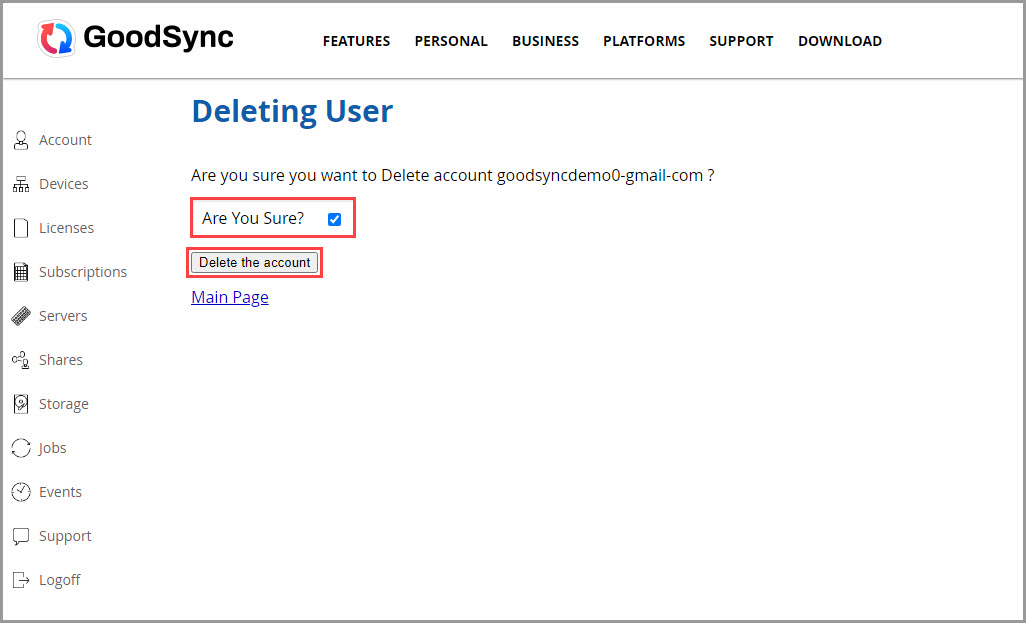
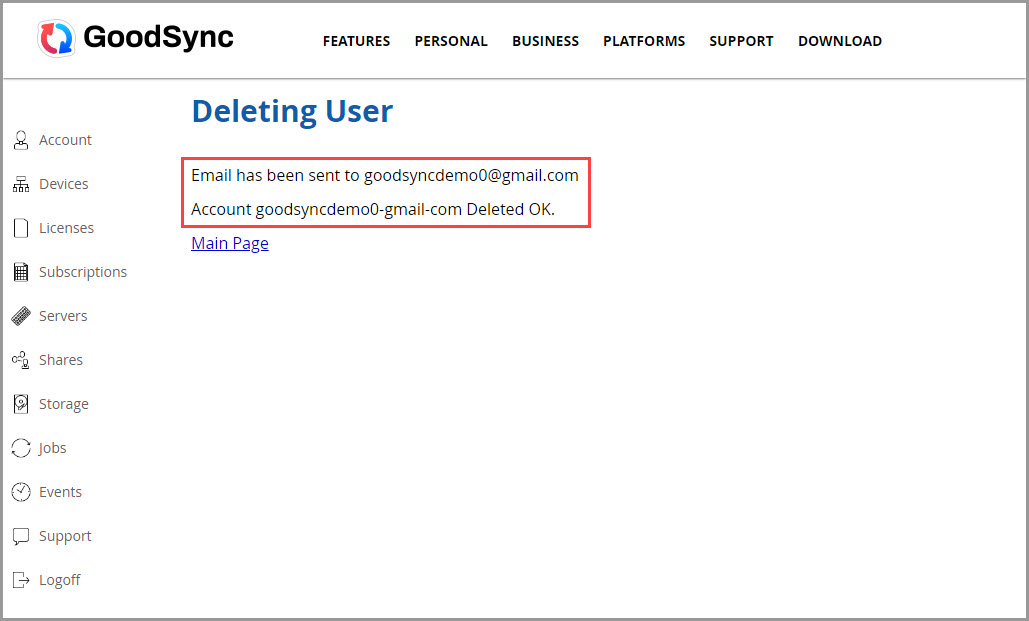
3) On the following screen, confirm that you want to delete your GoodSync Account by checking the "Are You Sure?" box, and click the "Delete the account" button. You will next see a message confirming that your Account has been deleted. Additionally, an email notification will be sent to your email address.