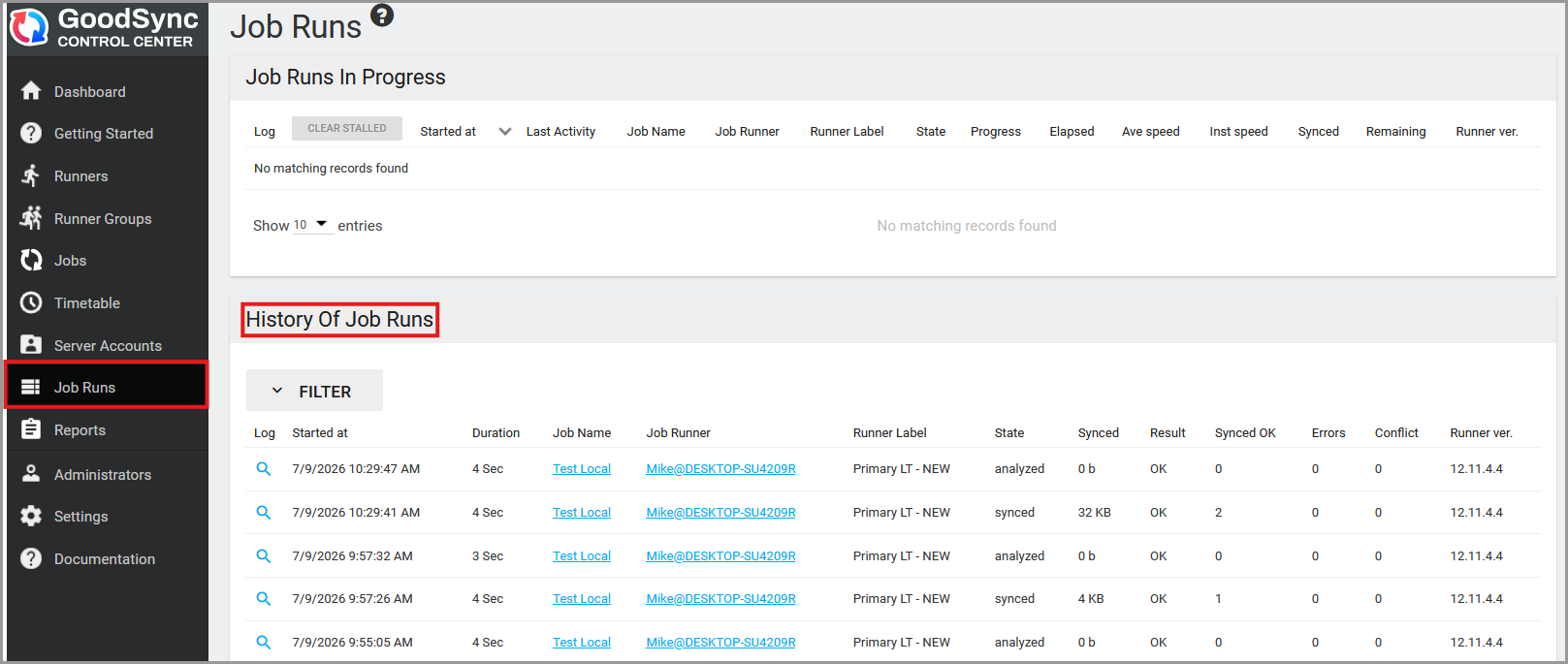
To monitor active job runs and review previous results, click the Job Runs tab.
The job run history appears at the bottom of the page. It includes information such as the start time, duration, job name, amount of data synchronized, result, errors, and other run details.
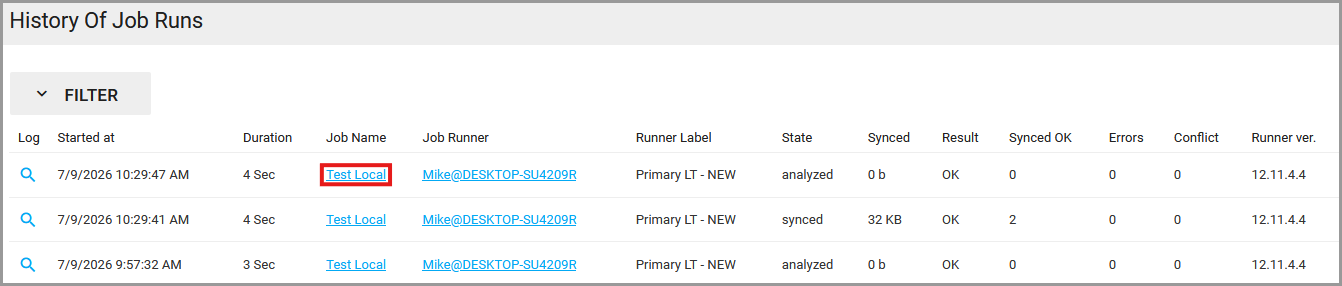
You can also review the run history for a specific job by clicking the desired Job Name.
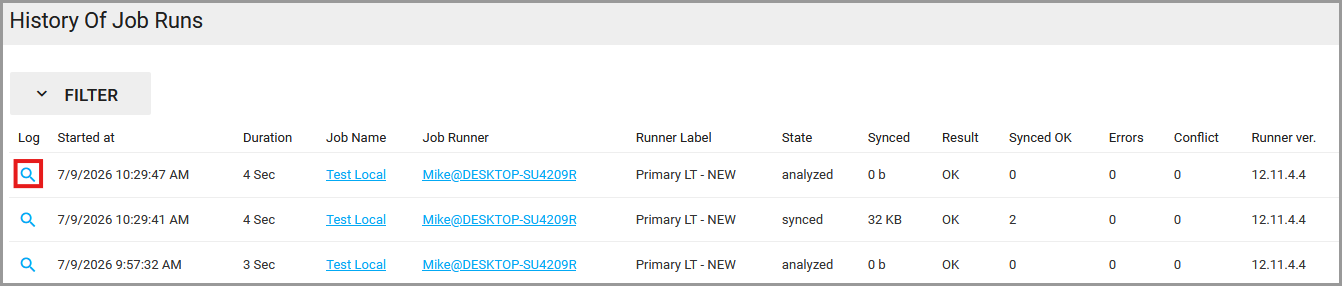
To view the detailed log for a job run, click the magnifying glass icon in the Log column.
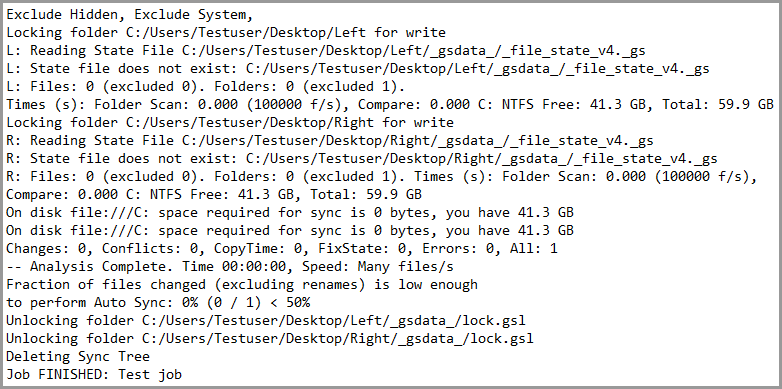
The detailed log displays the activity and results recorded during the selected job run.