Runner Groups
Runner groups can be created to assign a batch of runners to a particular job.
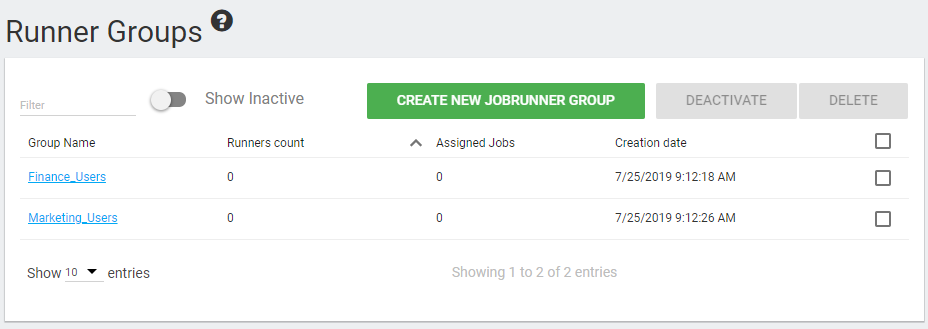
To create a runner group, navigate to the Runner Groups tab and click "CREATE NEW JOBRUNNER GROUP."
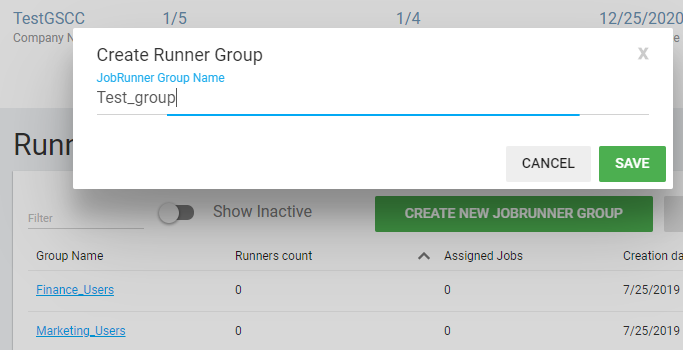
Enter a name for the runner group.
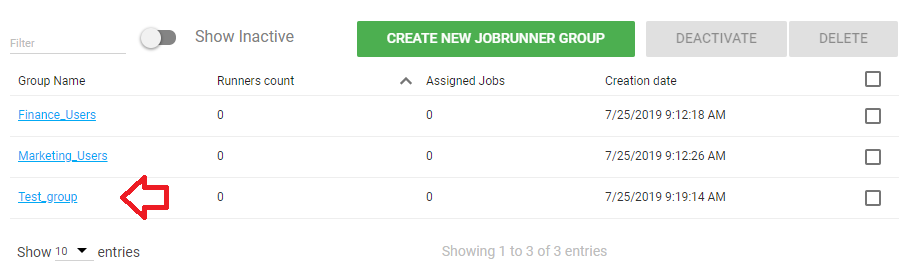
You have now created a runner group that can be assigned to a job.
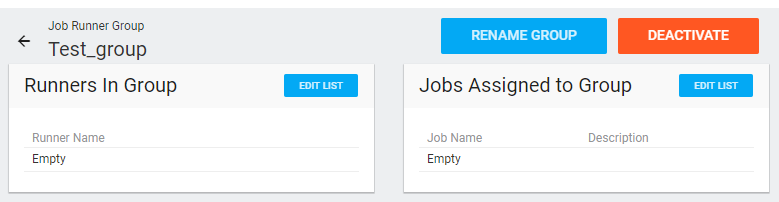
Once you click on the group, you will be given the option to add runners to the group (Edit List at left) and add jobs for the group to run (Edit List at right).