This overview applies to both GoodSync for Windows and GoodSync for Mac unless noted otherwise.
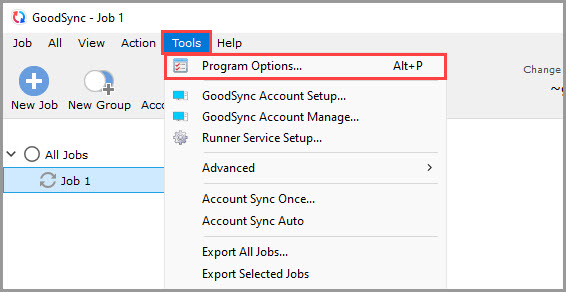
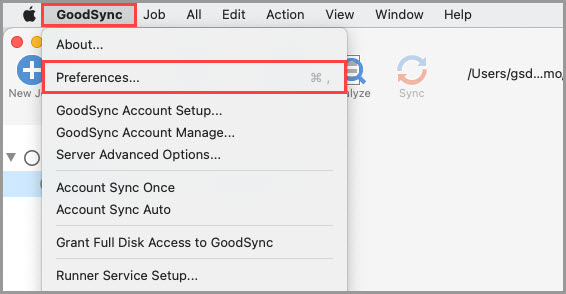
The "Tools" >> "Program Options" (on Mac, "GoodSync" >> "Preferences") menu item allows you to view and modify the global GoodSync options.
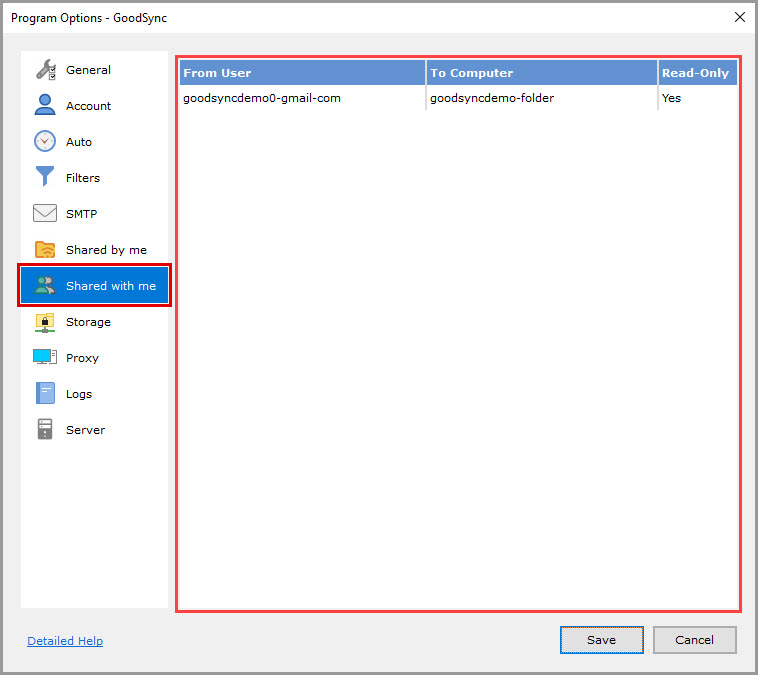
The "Shared by me" and "Shared with me" sections detail the folders shared between you and other GoodSync users.
Shared by me
This section facilitates the sharing of folders on the computer or local network with access granted to other GoodSync users.
All created shares appear in the table, displaying the following properties:
From Computer: Specifies the computer name on which the share is located.
From Folder: Specifies the path of the shared folder.
To User: Specifies the User ID of the GoodSync Account with which the folder is shared.
To Computer: Specifies the computer name as it will appear in GoodSync Connect.
Read-Only: Specifies the Read-Only setting for the share.
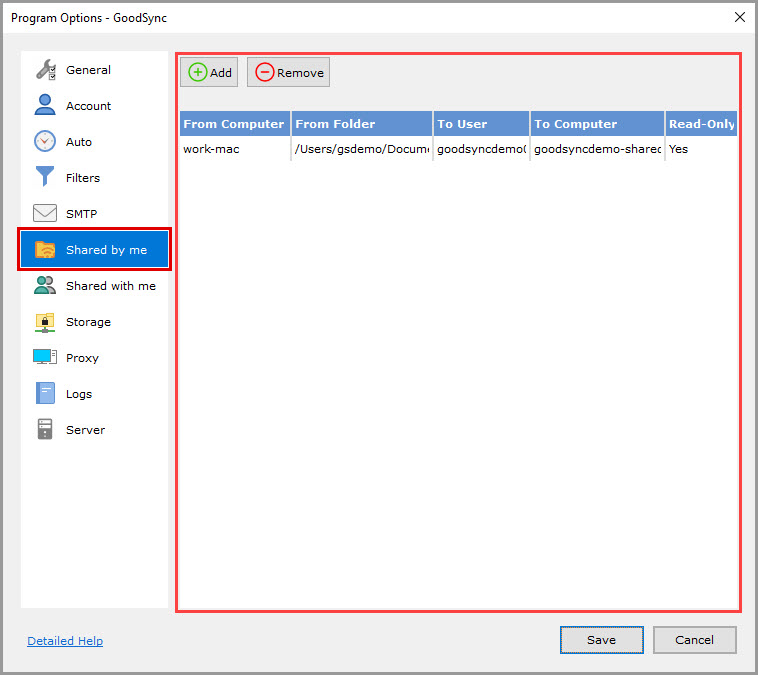
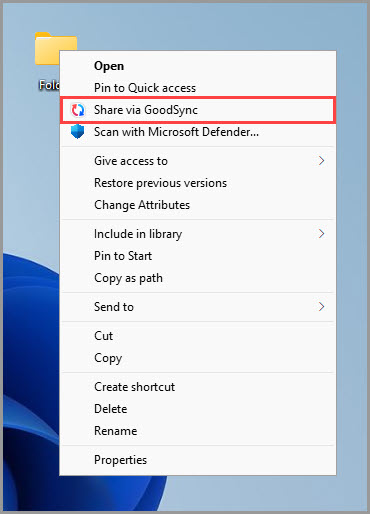
Folders shared via the GoodSync item in the context menu of Windows Explorer will also appear in the table.
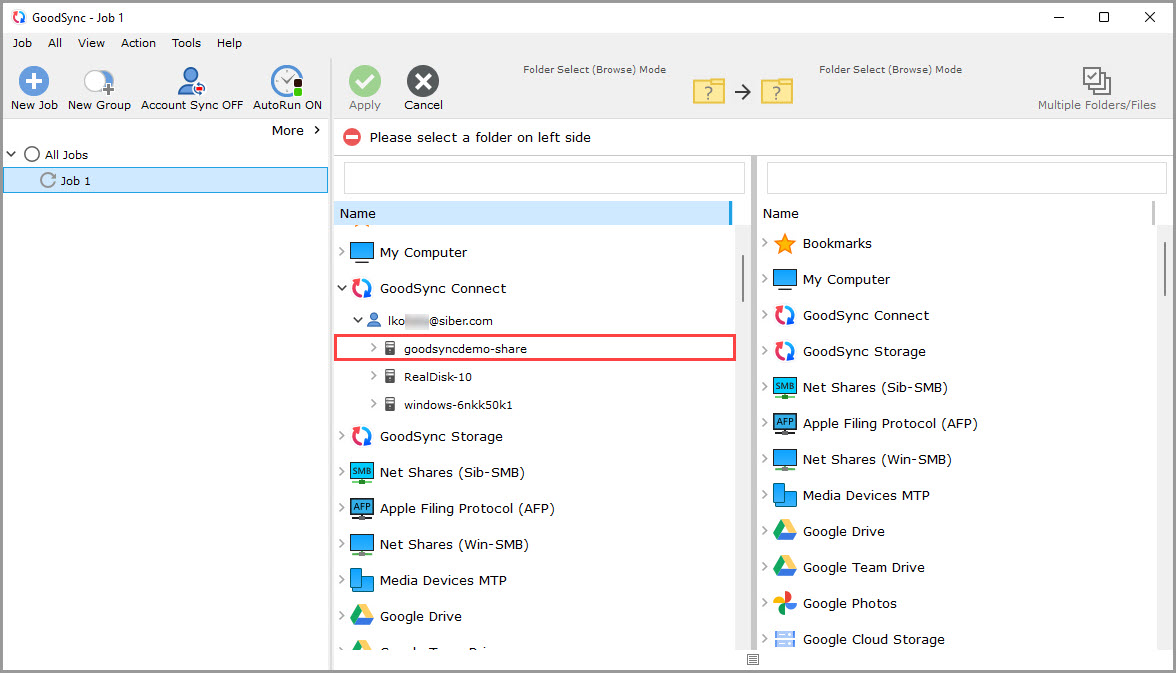
Other GoodSync users having a GoodSync Account can access folders shared with them by navigating to "GoodSync Connect" >> "[Your GoodSync Account name]" >> "[Share name]" while in Browse mode using either GoodSync or GoodSync Explorer.
Shared with me
Within this section, GoodSync presents folders that other GoodSync users shared with the currently logged-in GoodSync user via the "Shared by me" section described above.
Additionally, shares can be managed through the GoodSync Account online.