If you haven't already, download and install GoodSync.
With GoodSync, you can back up and sync to and from your MEGA storage. To do so, follow these steps:
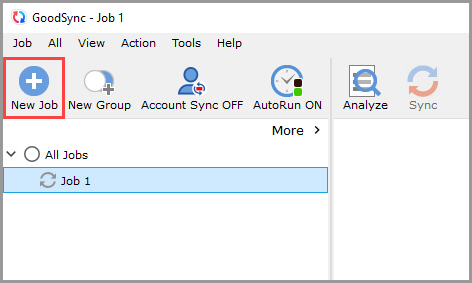
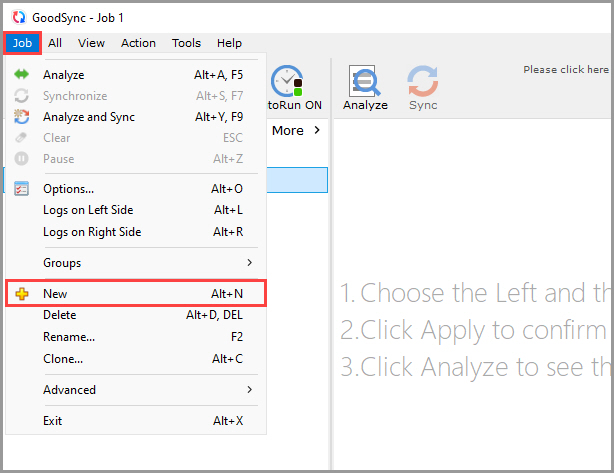
1) Open GoodSync and click the "New Job" button in the toolbar, or, in the "Job" menu, select "New."
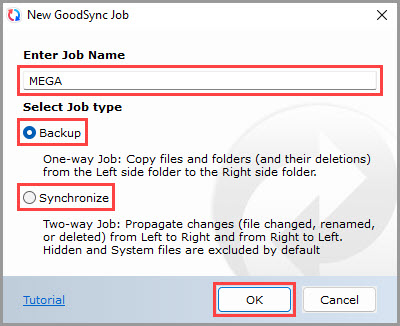
2) In the New GoodSync Job prompt, enter the name of your new Job. Then, select "Backup" or "Synchronize" as your Job type.
Click the "OK" button when done.
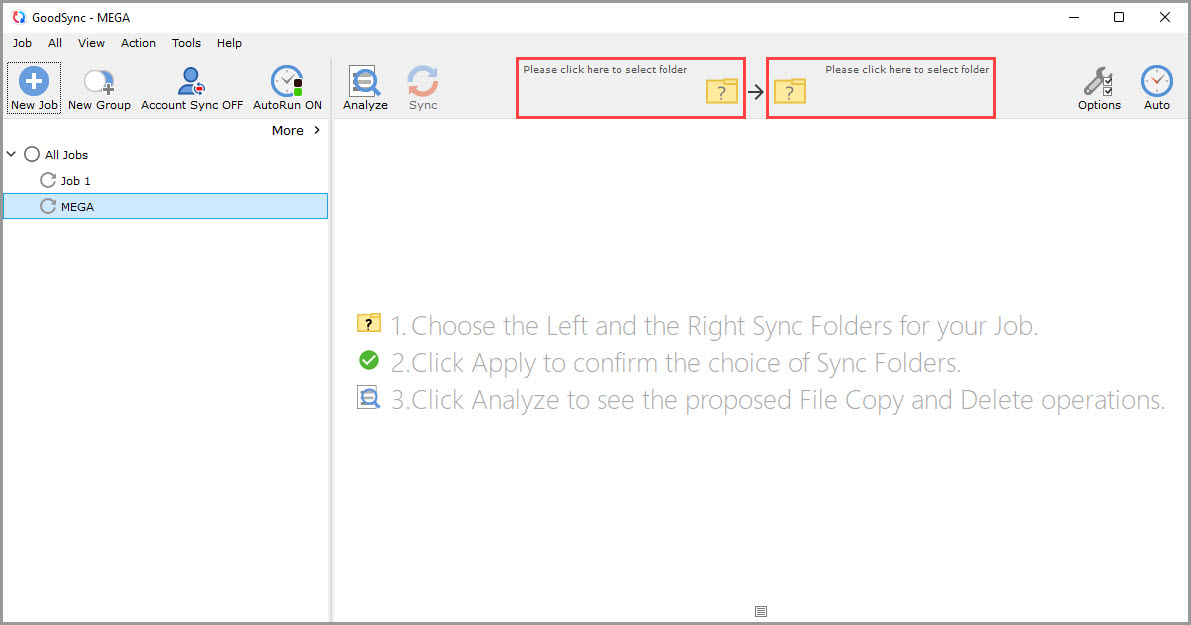
3) Click the left or right sync folder controls to view the files and folders available for selection.
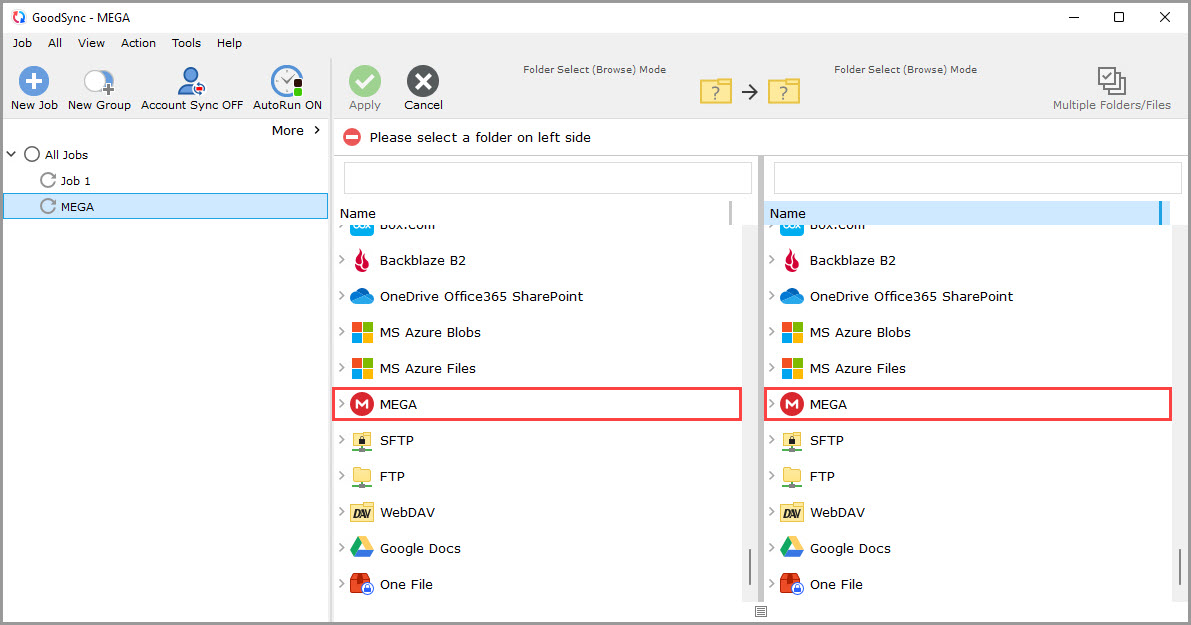
4) Scroll down, and select "MEGA" from the list of supported services on either side.
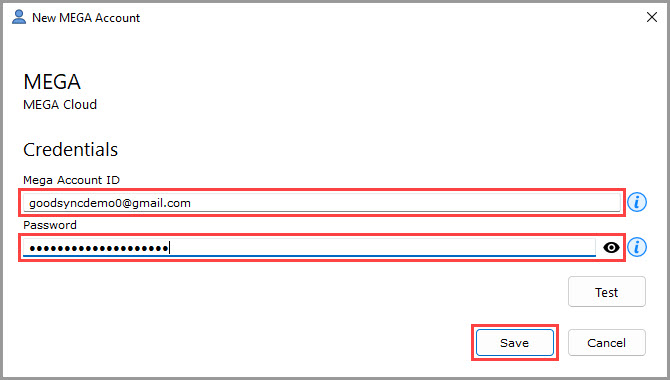
5) A window will appear prompting you to authorize GoodSync to access your MEGA account.
In the "Mega Account ID" field under "Credentials," enter the email address of your MEGA account.
In the "Password" field under "Credentials," enter the password of your MEGA account.
Then, click the "Save" button.
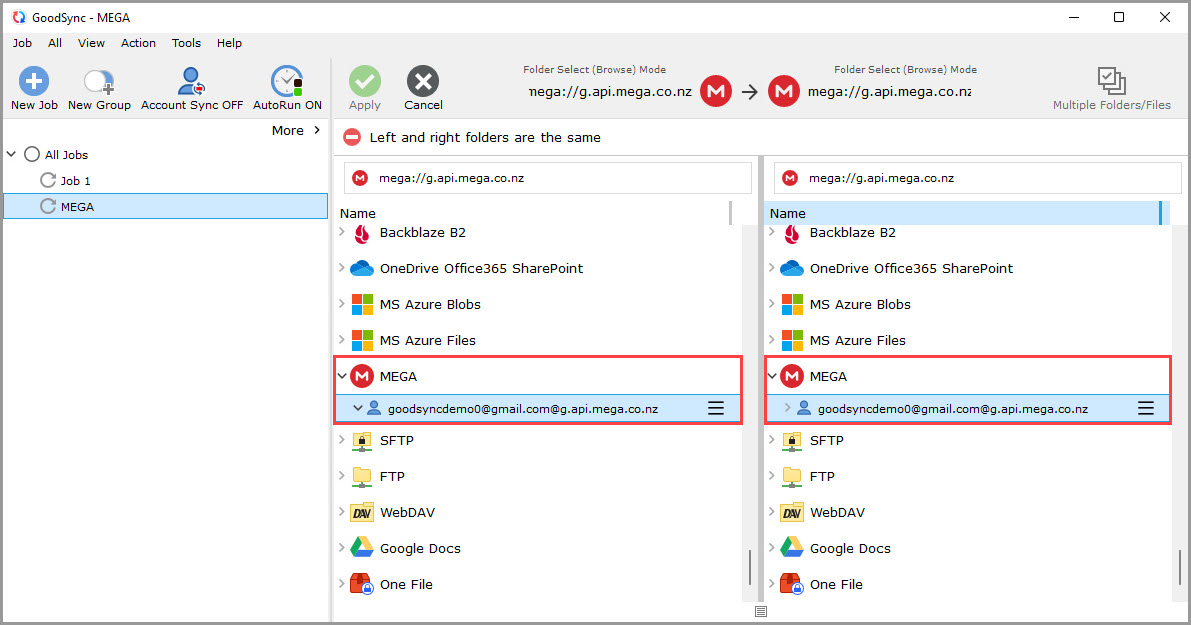
6) After permission is given to GoodSync, your MEGA storage content will be shown within the GoodSync interface.
7) Select a folder that contains the data you wish to back up or sync on the left side.
On the right side, click "MEGA" and select or create a folder on your MEGA storage that you wish to back up or sync to.
Then, click the green "Apply" button.
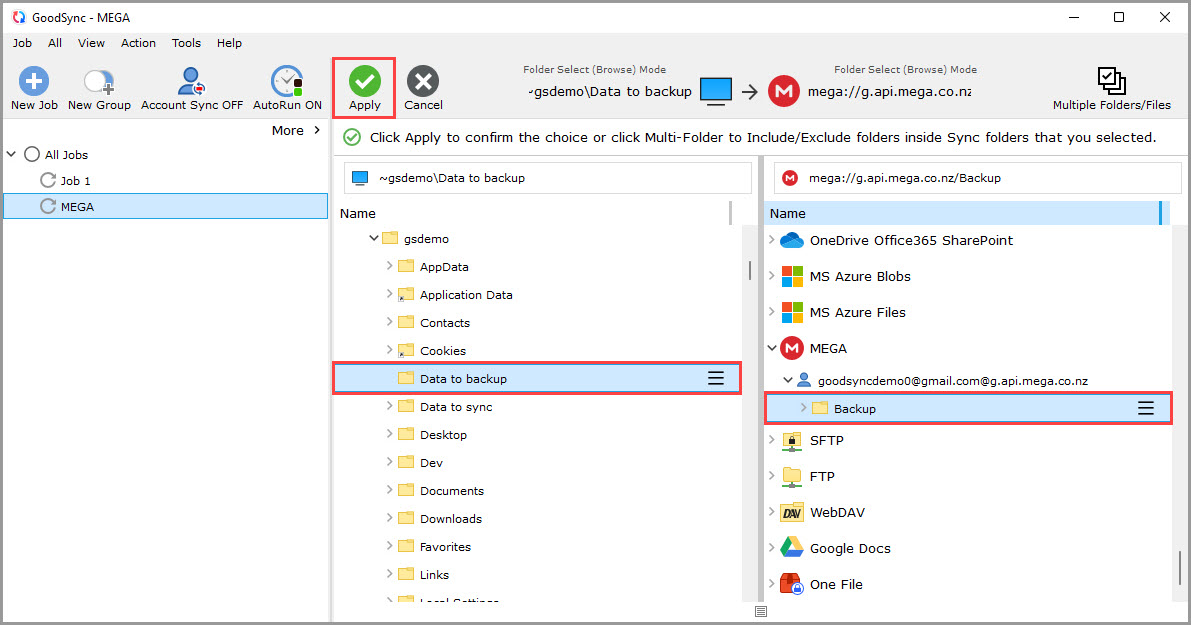
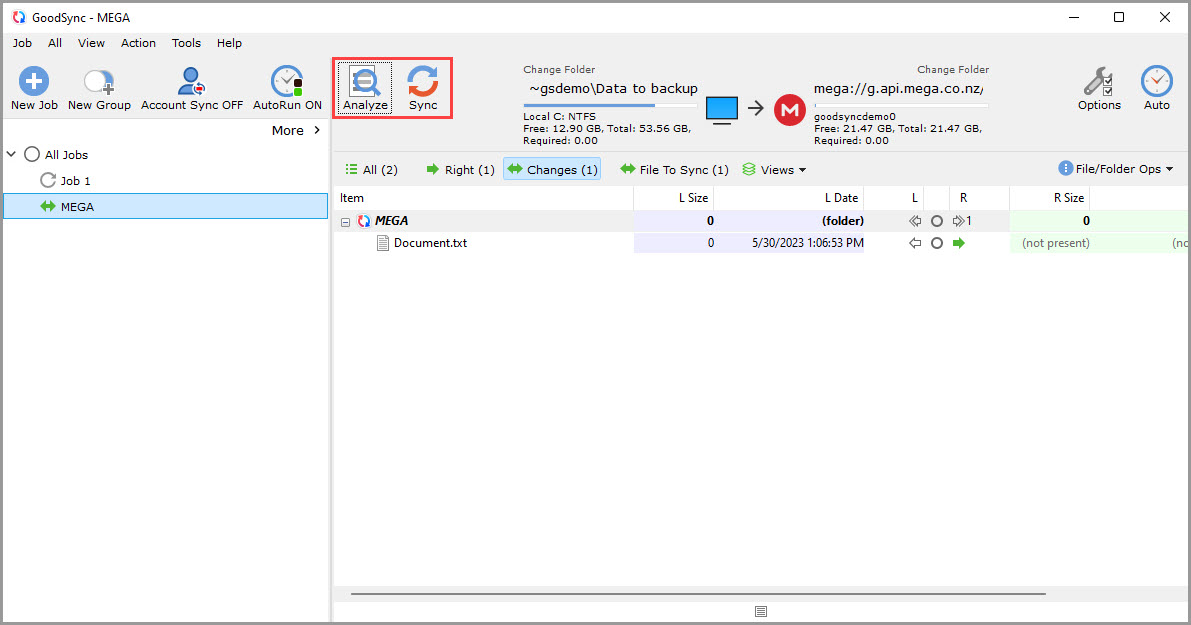
8) Your Job is now ready to Analyze and Sync.